
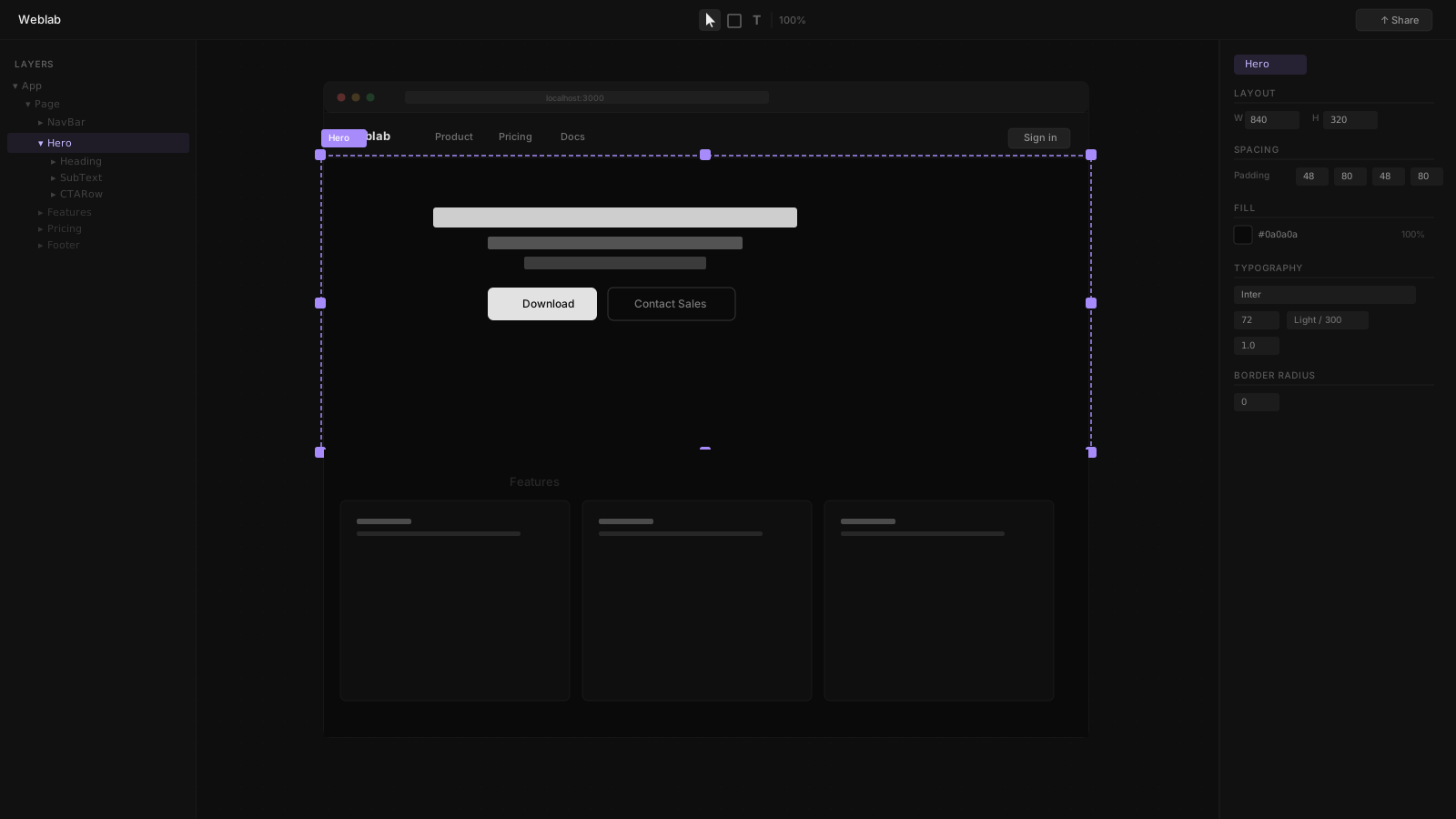
Replit and Weblab are both AI-powered tools for building software, but they occupy very different positions in the development stack. Replit is a cloud IDE where an AI agent can build and deploy full-stack applications from natural language. Weblab is a visual canvas editor that makes existing React codebases editable without opening a terminal.
Replit in 2026
Replit has evolved into a capable AI development platform. Its AI agent — Agent 4 — can take a natural language description, build a full-stack application, provision a database, install dependencies, and deploy the result. For getting from zero to a running app fast, Replit is impressive.
Replit's Core Strengths
- Browser-based IDE with no local setup required
- AI agent that builds full-stack apps from prompts
- Support for 50+ programming languages
- Multiplayer editing for up to 15 collaborators (Pro)
- Automatic deployment with custom URLs, SSL, and CDN
- Multiple deployment types: autoscaling, reserved VM, static, scheduled
Where Replit Falls Short for UI Teams
Replit is code-first. You write code (or prompt the AI to write it) and see a preview. There is no visual canvas, no component browser, no design system enforcement. Designers who do not write code cannot use Replit for UI work. And when the AI writes CSS and component code, it generates what looks correct — but it has no awareness of your design system's tokens or component conventions.
Weblab's Approach
Weblab is built for teams that already have a React codebase and want designers to contribute to it without the terminal tax. When you open Weblab, you see your application's real components on an infinite canvas. Click a button to change its variant. Drag a section to rearrange the layout. Adjust Tailwind classes in the style panel. Every change is written back to your source files as a pull request.
The Design System Difference
This is where Weblab and Replit diverge most sharply. Weblab's AI is explicitly constrained to your design system. It knows which components exist in your codebase, which design tokens are defined, and what your spacing scale looks like. When you ask it to generate a new section, it uses <Button variant="primary" /> — not a new <button className="bg-blue-500">. The output matches your brand because it uses your real code.
Replit's AI generates code that follows general React best practices but has no mechanism to enforce your specific design system conventions.
Side-by-Side Comparison
| Feature | Weblab | Replit |
|---|---|---|
| Interface | Infinite visual canvas | Code editor with live preview |
| Who can use it | Designers and engineers | Engineers comfortable in code |
| AI behavior | Constrained to your design system | Generates code from prompts |
| Starting point | Your existing React codebase | Usually net-new (GitHub import supported) |
| Output | GitHub pull request | Deployed Replit app |
| Design system | Reads and enforces your tokens | No design system awareness |
| Languages | React / Next.js | 50+ languages |
| Visual preview | Live canvas (your real components) | Preview pane (renders your code) |
| Open source | Yes | No |
A Common Pattern
Some teams find a natural handoff between these tools: Replit's AI agent builds the initial version of a feature or component from a prompt, the code is pushed to GitHub, and then Weblab is used to refine the visual design and make it match the production design system. The two tools can complement each other — Replit for rapid prototyping, Weblab for design system conformance.
The Decision
Use Replit if:
- You are building a new app or feature from scratch in the browser
- You do not have a local development environment and need zero setup
- You need backend, database, and deployment in one place
- You are comfortable writing code or prompting an AI to write it
Use Weblab if:
- You have an existing React or Next.js product
- Designers need to make visual changes without the terminal
- Design system compliance is critical — AI must not invent new styles
- Visual changes need to go through GitHub PR review