
Framer has become one of the most popular tools for designers who want to build beautiful websites quickly. With AI layout generation, polished animations, and fast hosting, Framer delivers an exceptional experience for creating standalone sites. But if your team already has a React codebase, Framer cannot connect to it — and that changes the comparison significantly.
Framer: Design-First, AI-Assisted
Framer is built around the idea that designers should be able to create and ship websites independently. Its AI Wireframer generates layout suggestions from text prompts. Its built-in CMS handles content. Its hosting is fast and global. For designers working on marketing sites, portfolios, and landing pages, it is a genuinely excellent tool.
Framer's 2026 Feature Set
- AI Wireframer for layout generation from prompts
- AI Workshop coding assistant for custom interactions
- AI translation for multi-language sites
- Built-in CMS with real-time editing
- On-page editing for live site updates
- Fast global CDN hosting
- Framer's own React-based component system (not your codebase)
Pricing runs from $10/month (Basic) to $100/month (Scale), with monthly billing at higher rates.
The Codebase Gap
Framer is built on React internally but does not connect to your external React codebase. You cannot import your existing component library — your <Button>, <Card>, or <Form> components do not exist in Framer. You design with Framer's component primitives, and changes live in Framer's hosted environment.
Code export is available on higher plans but produces Framer-specific React patterns that require significant work to integrate into a standard codebase.
Weblab: Visual Editing for Your Existing React Codebase
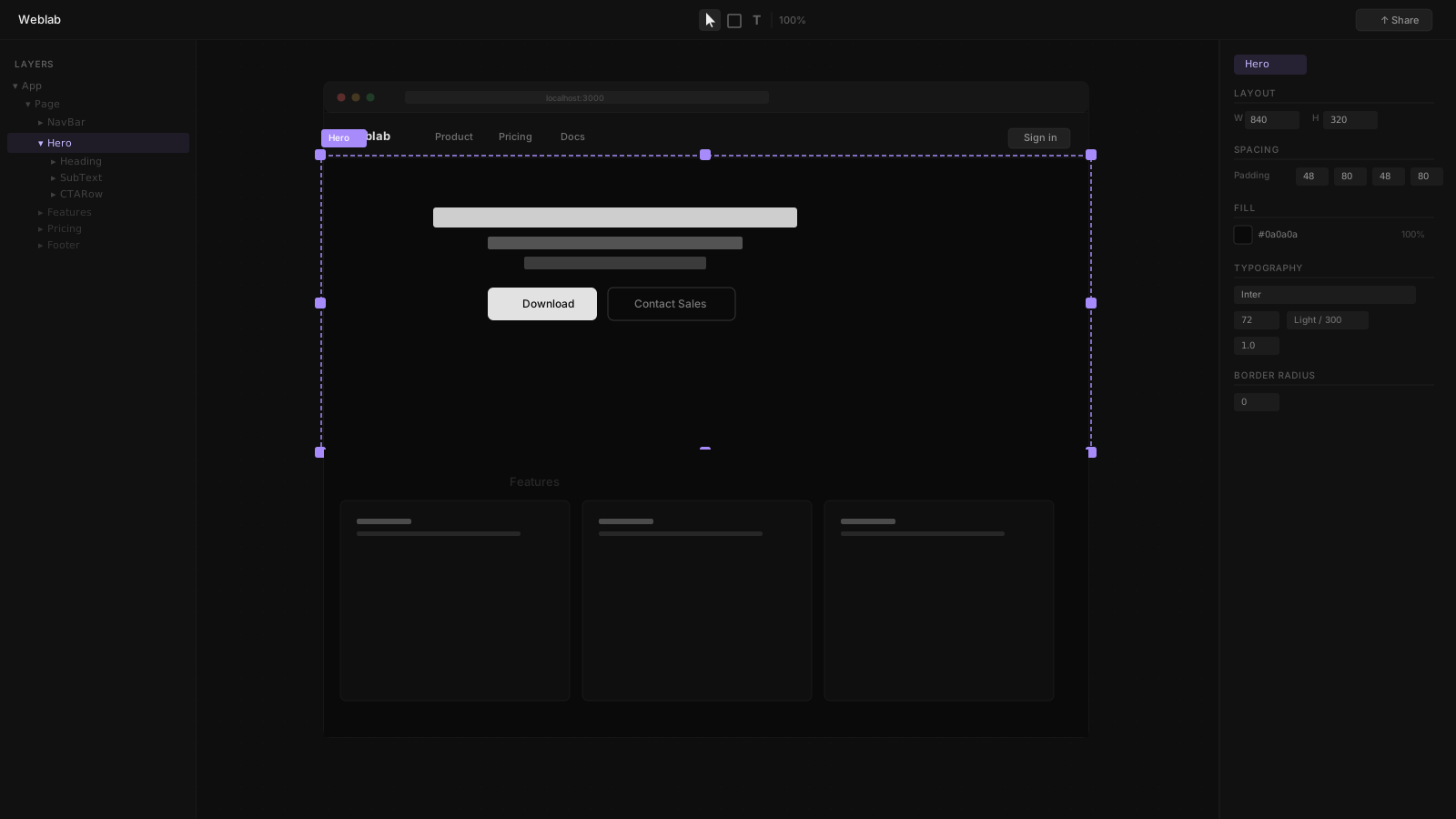
Weblab starts from the opposite assumption: you already have a React codebase. When you open Weblab, it reads your actual components — the same ones your engineers write and maintain. The canvas shows your real application, not a simulation of it.
What Weblab Does Differently
Real component integration. The design system your engineers built — your Button variants, your spacing tokens, your typography scale — is what Weblab's canvas reflects. When AI suggests a change, it can only use what already exists in your codebase.
Pull request output. When you make a change in Weblab, the result is a PR in your GitHub repository. Your engineers see a standard diff. CI runs. The team reviews. It merges. Nothing unusual happens — visual changes flow through your normal engineering process.
Open source and hosting-agnostic. Weblab is open source and works with any deployment. There is no Weblab hosting to buy.
Side-by-Side Comparison
| Feature | Weblab | Framer |
|---|---|---|
| Input | Your existing React codebase | Framer's canvas and component system |
| Output | GitHub pull request (JSX/TSX) | Framer-hosted site; limited code export |
| React | Edits your real components | Built on React internally; not your codebase |
| Design system | AI constrained to your tokens | Framer's own component library |
| AI | Design-system-aware edits | AI Wireframer, AI Workshop (layout-focused) |
| Hosting | Your existing infrastructure | Framer hosting |
| Code ownership | Always | Limited — Framer-specific export |
| Open source | Yes | No |
| Pricing | Free to open source | $10–$100/month |
When Framer Wins
Framer is the right choice when you are building a new site from scratch, the designer is working independently, and the goal is a polished standalone website with Framer hosting. Framer's motion design and animation tools are industry-leading, and its AI layout generation is genuinely useful for rapid ideation.
When Weblab Wins
Weblab wins when your team has an existing React codebase, designers and engineers share ownership of the product, and visual changes need to integrate with GitHub code review. The design system your engineers have invested in stays intact — Weblab enforces it rather than bypassing it.
The Core Trade-Off
Framer gives you more out of the box for standalone sites. Weblab integrates with what you already have. If you have a codebase, Weblab is the tool that treats it as an asset rather than an obstacle.
See how Weblab compares to all tools → | Try Weblab with your codebase →