
Emergent has become one of the breakout AI platforms of 2025–2026, reaching 5M+ users and $100M+ ARR by giving founders and non-technical builders a way to create full-stack applications from natural language descriptions. It is an impressive achievement in making software development accessible.
Weblab serves a different audience with a different tool: teams that already have a React codebase and want visual editing that integrates with their existing engineering workflow — not a new stack, not a new hosting environment, not a new deployment pipeline.
Emergent: From Zero to Full-Stack
Emergent's core value proposition is going from an idea to a deployed full-stack application without writing code. Its multi-agent system handles architecture, coding, testing, and deployment simultaneously. Out of the box it includes:
- Authentication (OAuth, email, magic link)
- PostgreSQL database provisioning
- Payment integration
- Mobile app support (React Native + Expo)
- GitHub export for code ownership
- Emergent-managed hosting
- ISO 27001 and SOC 2 compliance for enterprise
For a founder who wants to validate an idea without hiring engineers, Emergent removes almost every barrier. Describe your app, and a multi-agent team builds it.
Emergent's Limitation for Existing Codebases
Emergent is optimized for net-new development. When you bring an existing React codebase to Emergent, the multi-agent system does not have a way to read your design tokens, use your component library, or respect your file structure conventions. The AI generates new UI using its own patterns, which creates drift from your design system.
The GitHub export feature gives you code ownership, but the architecture and stack are determined by Emergent's agents, not your existing conventions.
Weblab: Visual Editing for Your Existing React Codebase
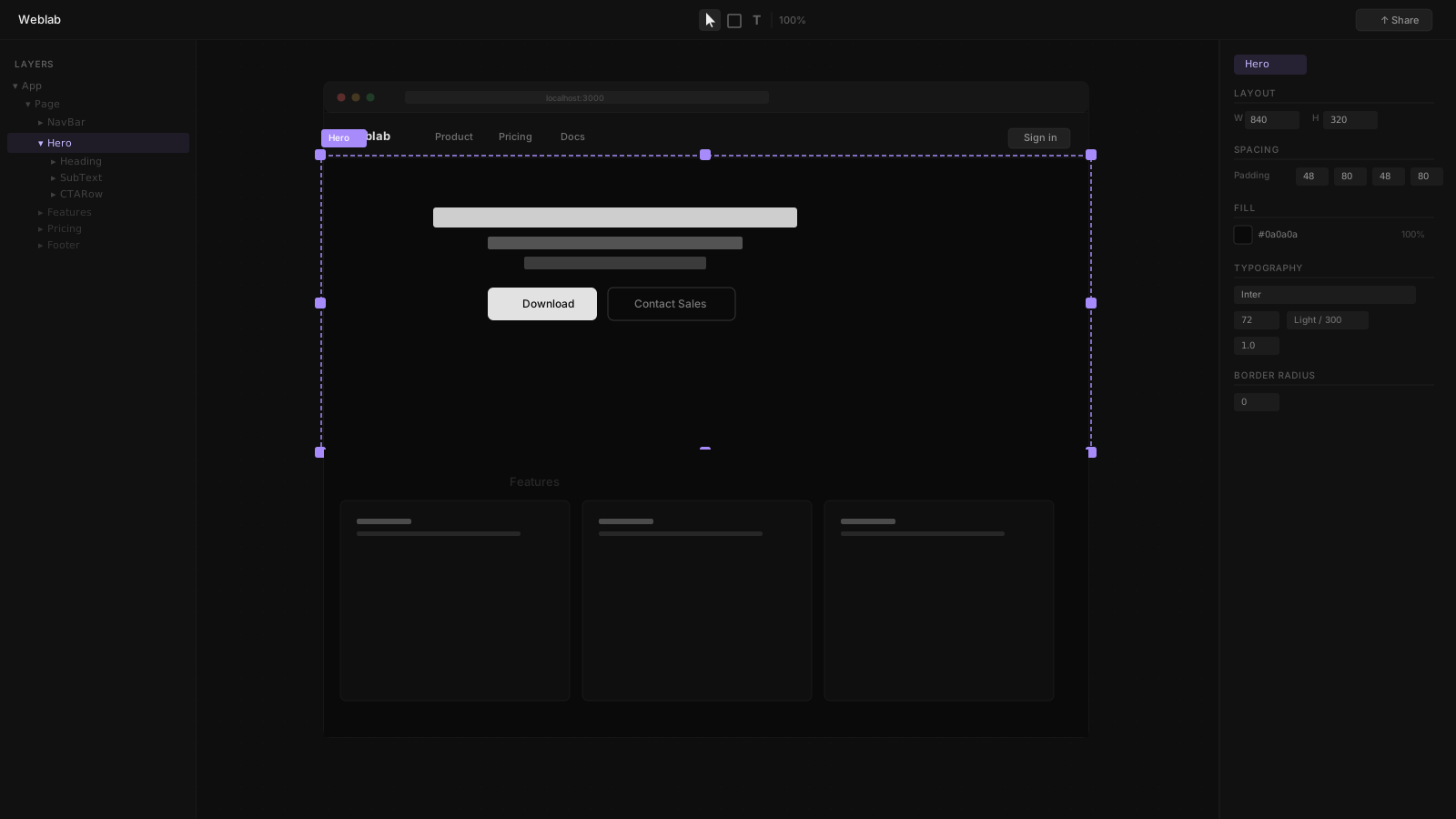
Weblab starts from the assumption that you already have a codebase worth preserving. It connects to your local React project, reads your components and design tokens, and gives your team a visual canvas for editing that codebase — without rewriting it.
What Weblab Protects
Your design system. Every AI change in Weblab is constrained to the components and tokens that already exist in your project. The AI cannot introduce a new Button style or a new color that is not in your design system. This is not a limitation — it is the feature that keeps your product looking like your product.
Your engineering workflow. Changes made in Weblab become pull requests in your existing GitHub repository. Your CI pipeline runs. Your engineers review the diff. They merge it. Nothing about your process changes.
Your stack. Weblab does not dictate your backend, database, or hosting. It works at the UI layer of whatever you already have.
Side-by-Side Comparison
| Feature | Weblab | Emergent |
|---|---|---|
| Starting point | Your existing React codebase | Natural language prompt |
| Output | GitHub pull request | Deployed full-stack app |
| Interface | Infinite visual canvas | Chat-based prompt + preview |
| Design system | AI constrained to your tokens | AI generates new UI freely |
| Backend / database | Bring your own | Built-in (PostgreSQL, auth, payments) |
| Hosting | Your existing deployment | Emergent-managed |
| Code ownership | Always — your repo, your files | GitHub export available |
| Mobile support | No | Yes (React Native + Expo) |
| Open source | Yes | No |
Who Needs What
Choose Emergent if:
- You are starting from zero and need auth, database, payments, and hosting
- You are a non-technical founder validating an idea fast
- Mobile app support is a requirement
- The goal is a deployed application with no engineering setup
Choose Weblab if:
- You have an existing React or Next.js product
- Designers need to contribute UI changes without writing code
- Your design system must not drift — AI must use your real components
- Visual changes need to go through GitHub PR review
- You want to keep your existing backend, database, and hosting
Can They Work Together?
There is a natural handoff pattern: Emergent to prototype a new feature or product quickly, then migrate the idea into your existing React codebase and use Weblab to refine it visually against your design system. The two tools are not competing for the same decision — they are for different phases of development.