Why We Built Weblab
For years, the workflow between designers and developers has been broken. Designers create beautiful mockups in Figma. Developers translate those mockups by hand. The result is never quite right, and the back-and-forth costs weeks.
We built Weblab to eliminate that gap entirely.
The Problem with Existing Tools
Design tools like Figma are excellent for ideation. But they produce static artifacts — specs, prototypes, hand-off files — that engineers must manually convert into code. By the time a feature ships, it has gone through at least three rounds of translation: designer to mockup, mockup to spec, spec to code. Each step introduces drift.
AI coding tools went in the other direction. They write code, but they ignore your design system. They produce generic-looking interfaces that don't match your brand and require constant correction.
What Weblab Does Differently
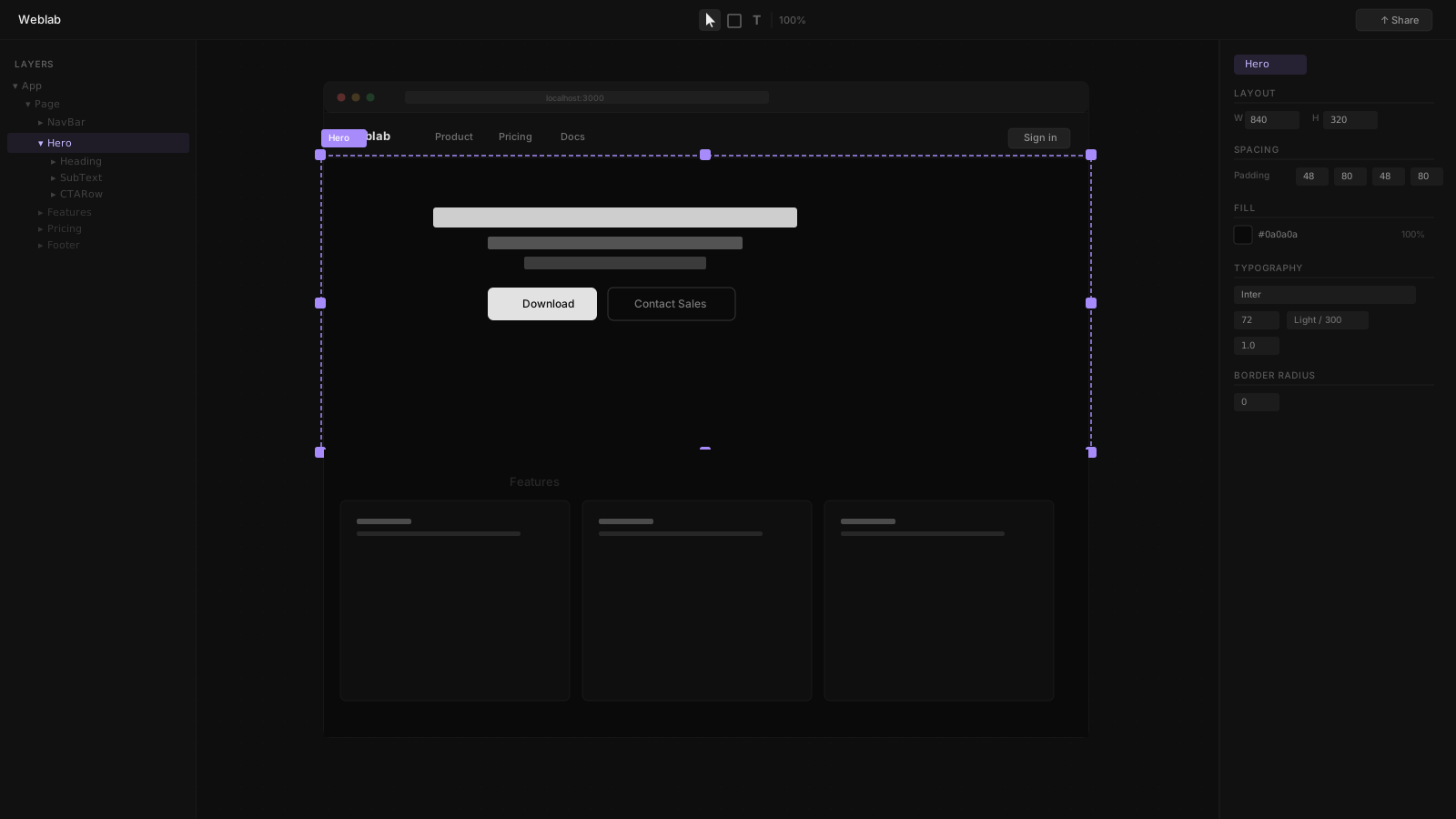
Weblab connects directly to your codebase. When you open Weblab, you are looking at your actual React components running in a live preview. Every change you make on the visual canvas is written back to your source files in real time.
Visual Editing on Your Real Components
You can select any element, adjust its Tailwind classes, rearrange layout, or swap component variants — and see the exact code change happen simultaneously. There is no translation step. What you see is what gets committed.
AI That Respects Your Design System
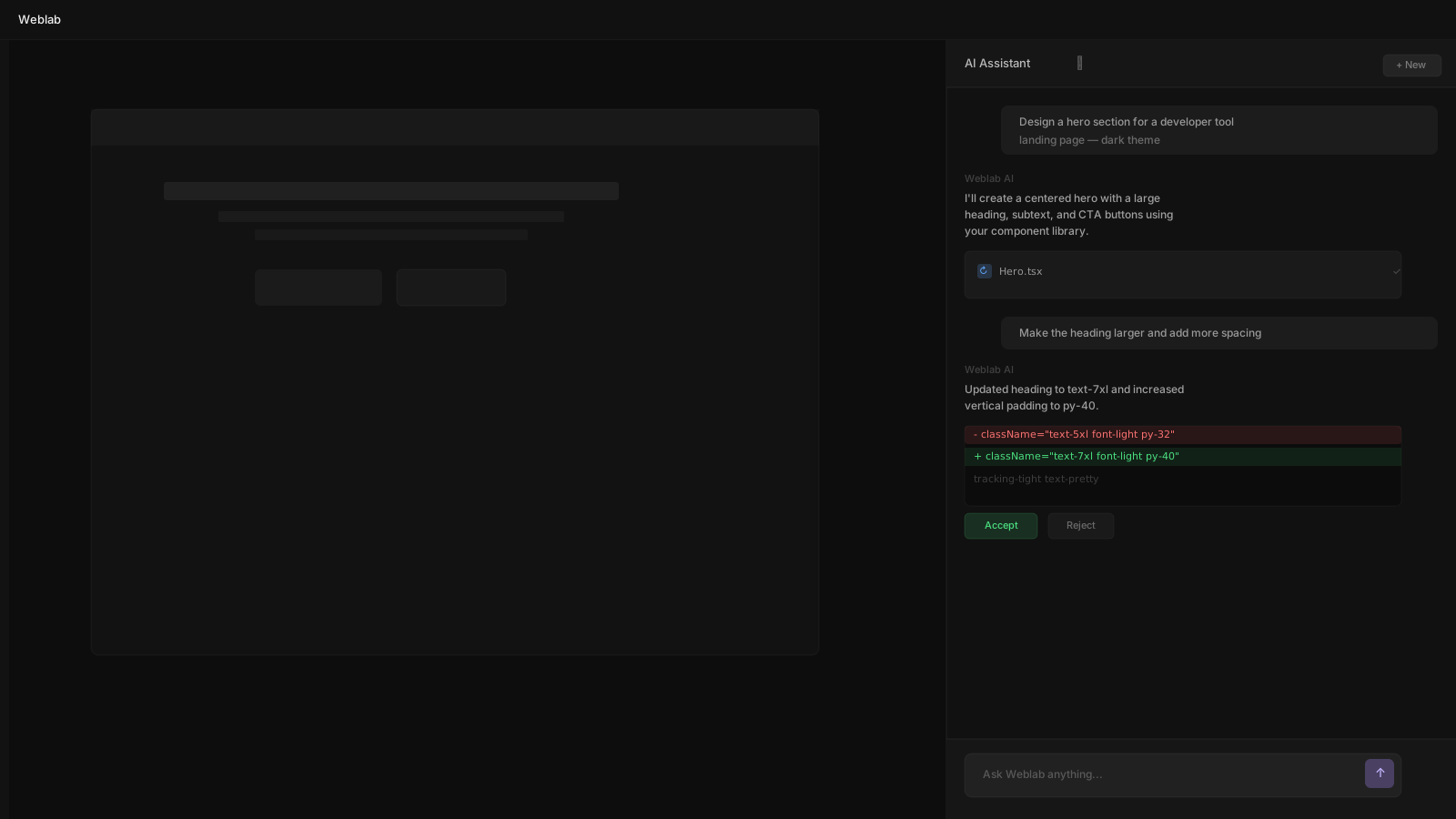
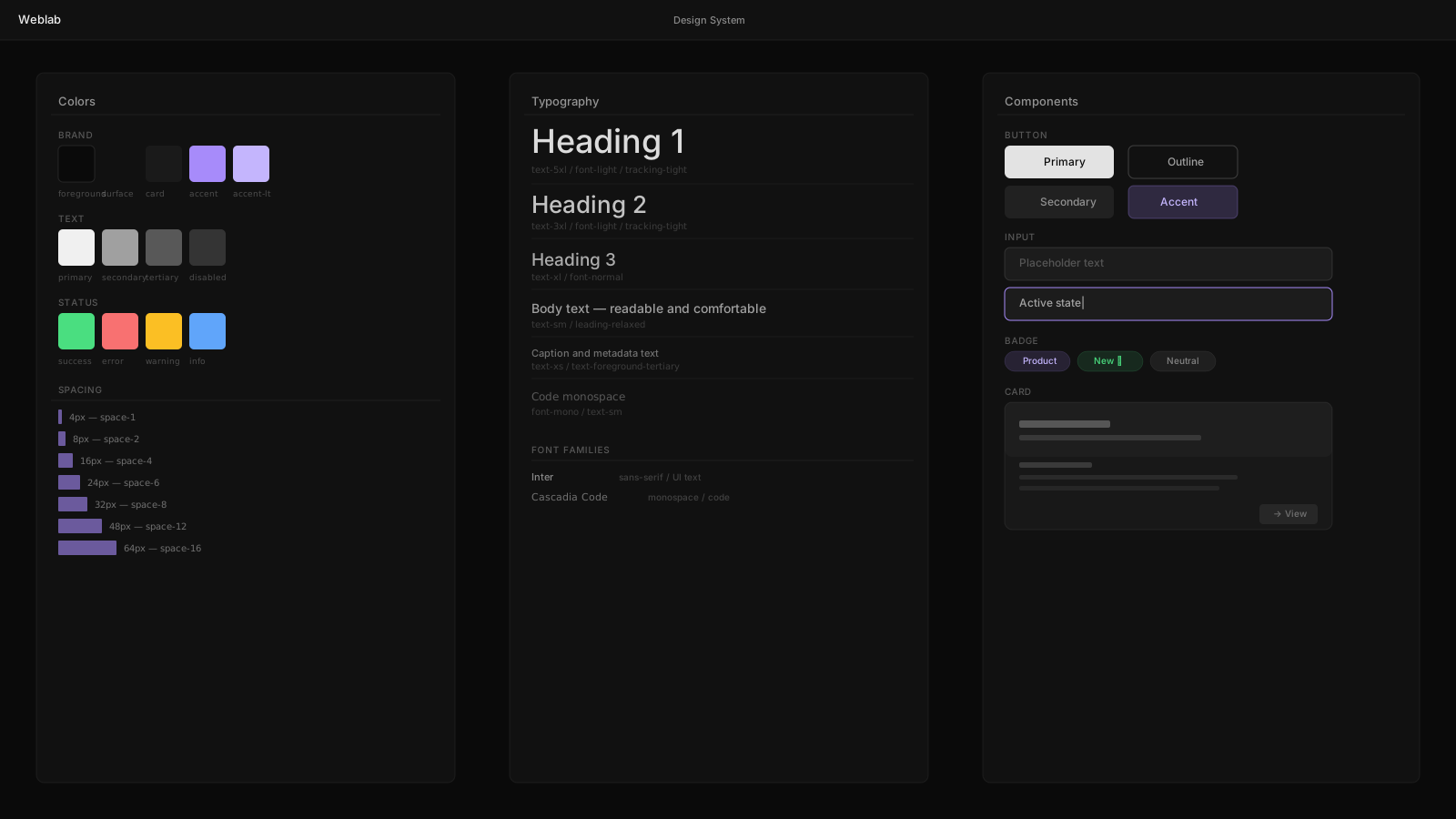
Weblab's AI feature is constrained to your existing component library. Ask it to build a pricing section and it will use your <Button>, your <Card>, your typography scale — not generic HTML. The output matches your brand because it uses your real code.
Getting Started
Download Weblab for macOS or Windows, open your existing React project, and start editing. Your first pull request from Weblab takes about three minutes.
Connecting Your Repository
Weblab reads your project directory directly. There is no upload, no sync, no SDK to install. Open your folder and start working.
The Road Ahead
We are building toward a world where the boundary between designer and developer dissolves. Weblab is the first step: a tool that turns visual intent directly into mergeable code.
We are releasing Weblab as open source. We believe the tools that shape how software gets built should be transparent and community-owned.