Why Components Changed Everything
Before components, web UIs were flat. HTML was markup. CSS was styles. JavaScript was behavior. These three layers lived separately and were authored separately.
React changed the abstraction. A component bundles markup, styles, and behavior into a single reusable unit. The right level of abstraction for building UIs is not the HTML element — it is the component.
This shift has profound implications for visual tooling.
The Problem with Pixel-Level Editing
Most visual editors work at the HTML element level. They let you place a <div>, set its dimensions, apply CSS properties. This is fine for simple layouts but breaks down immediately with real component-based codebases.
When you drag-and-drop a generic <div> onto a canvas, you produce something that doesn't exist in your component library. It has no semantic meaning. It has no typed props. It has no connection to your design system. It is a one-off element that will never be reused and cannot be maintained.
Worse, it produces inline styles or ad-hoc class names that violate your existing conventions. The visual editor becomes a source of technical debt.
Weblab's Component Model
Weblab treats the component as the atomic unit of editing. You don't place <div> elements — you place components.
Your Library Is the Palette
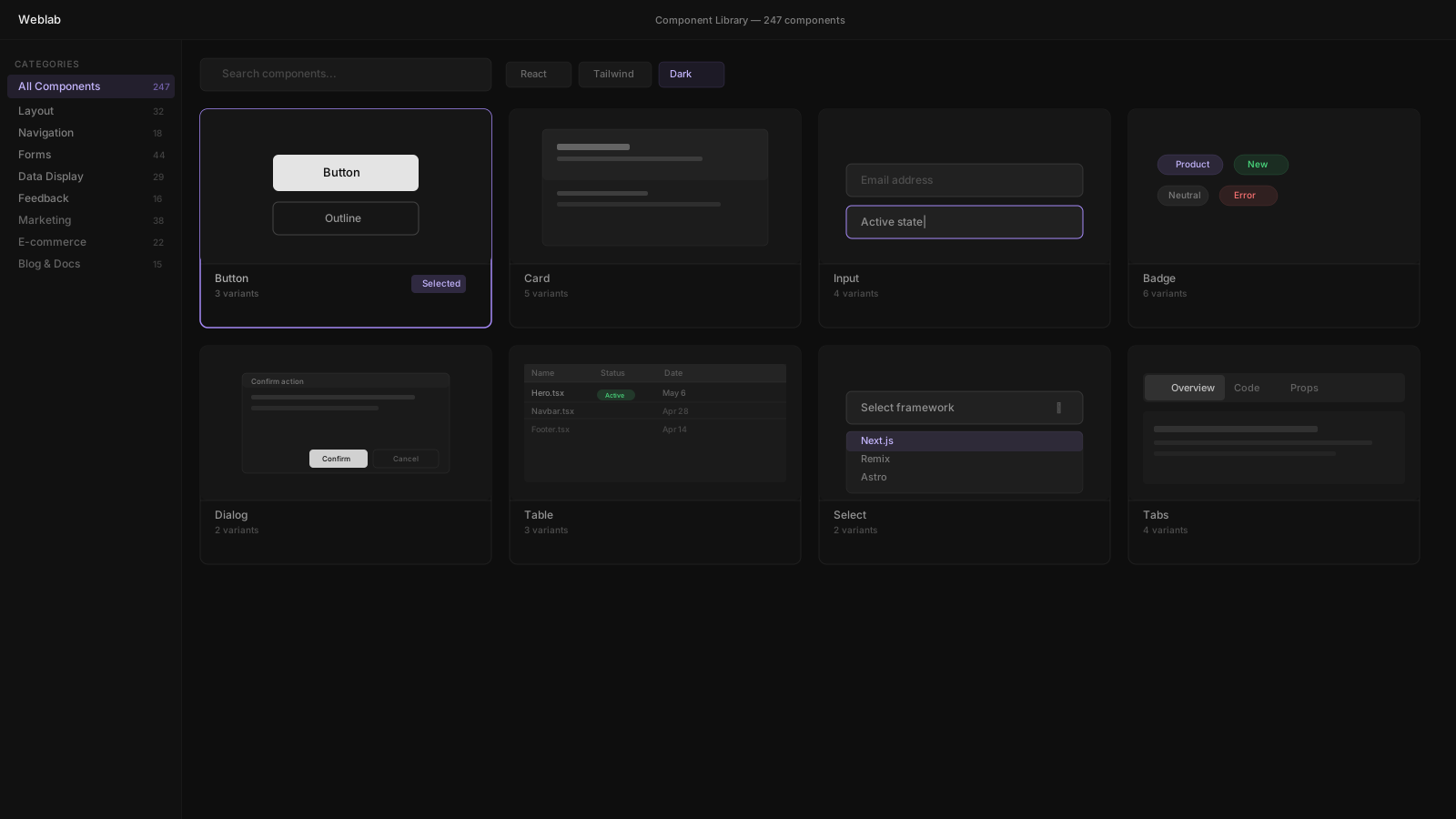
When you open Weblab, your component library is the palette. Not a generic set of shapes and widgets — your actual exported React components.
A <Card> from your library. A <Button> with your variants. A <PricingTable> that already knows about your pricing structure. These are the building blocks available to you on the canvas.
You can only use what already exists in your codebase. This is a constraint. It is also the point.
Props, Not Styles
When you select a component, Weblab shows you its props — not raw CSS properties.
If your <Button> has a variant prop that accepts "primary" | "outline" | "ghost", you see a dropdown with those options. If it has a size prop, you see a control for that. If it accepts children, you can edit the content directly on the canvas.
You're editing the component through its designed API, not bypassing it with style overrides.
The Escape Hatch
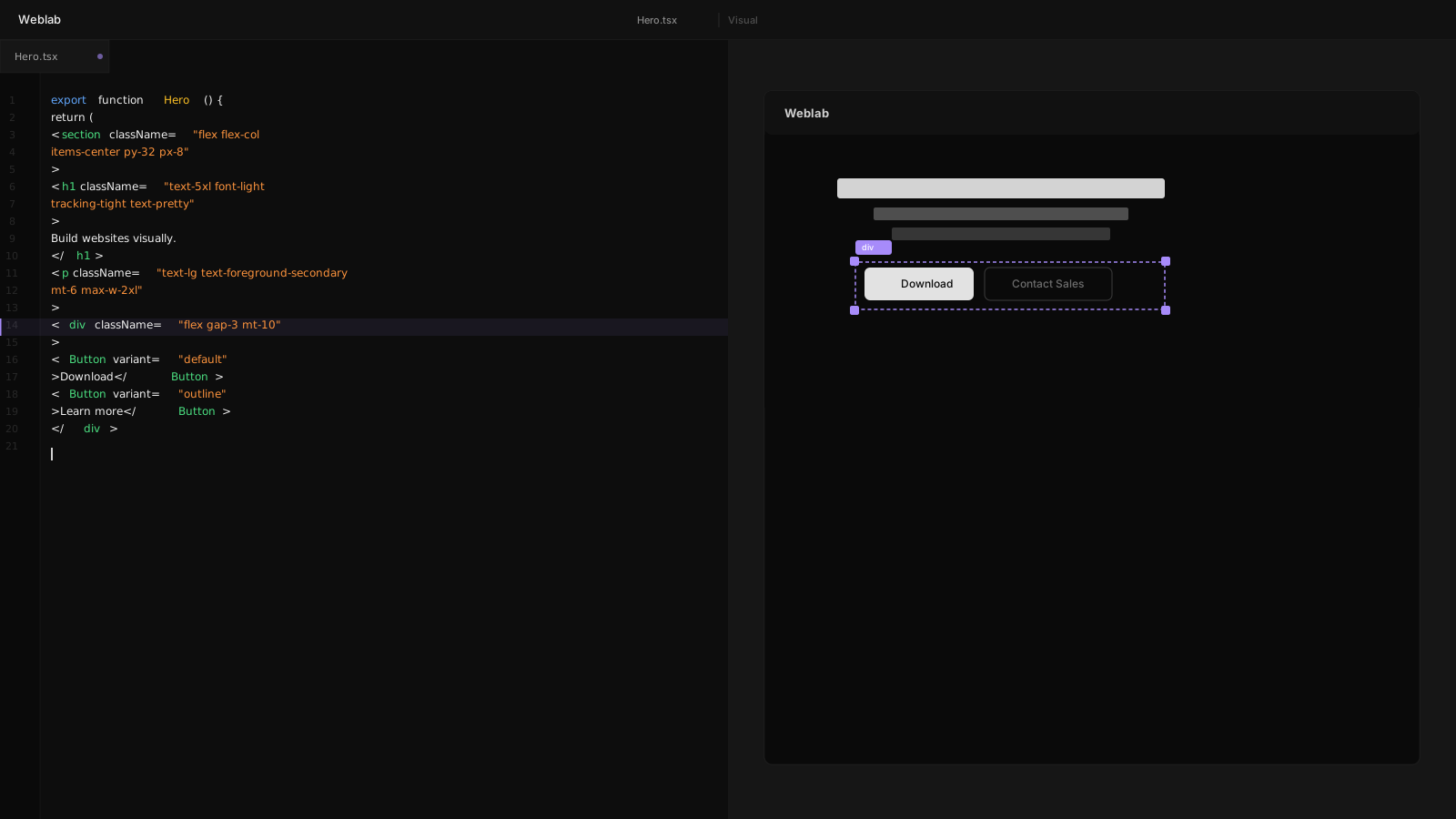
For cases where raw style editing is appropriate — custom layout wrappers, spacing adjustments on structural elements — Weblab exposes a Tailwind class editor. It autocompletes against your tailwind.config.js, so you only get suggestions for values that are part of your design system.
You can always drop into the code view for anything that requires it.
Component Variants and States
Real components have multiple states. A button can be default, hover, active, disabled. A card can be default or featured. A nav item can be active or inactive.
Weblab lets you preview and edit these states directly on the canvas. Select a component, toggle its variant, see how it looks, adjust if needed.
This is the kind of editing workflow that used to require running a full Storybook environment and switching between files. In Weblab, it's two clicks.
The Impact on Design Reviews
Component-level editing changes what design reviews look like.
A reviewer on a Weblab PR sees changes at the semantic level: "the hero now uses a CTASection component instead of a manually composed button row." They understand the intent immediately. They can verify that the right component was used. They can suggest a different variant if appropriate.
Compare this to reviewing an inline style change: padding-left: 32px changed to padding-left: 40px. The change is technically legible but semantically opaque.
Component-level diffs are legible to both developers and designers. That shared legibility is what makes cross-functional review actually work.
Building for the Next Five Years
The trend toward more components and fewer raw elements is not reversing. As design systems mature, the percentage of UI work that involves touching raw HTML elements shrinks. Most work is component configuration, not element construction.
Weblab is built for this reality. A tool that understands components, works at the component level, and produces component-level diffs.
The pixel era of visual editing is ending. The component era is here.