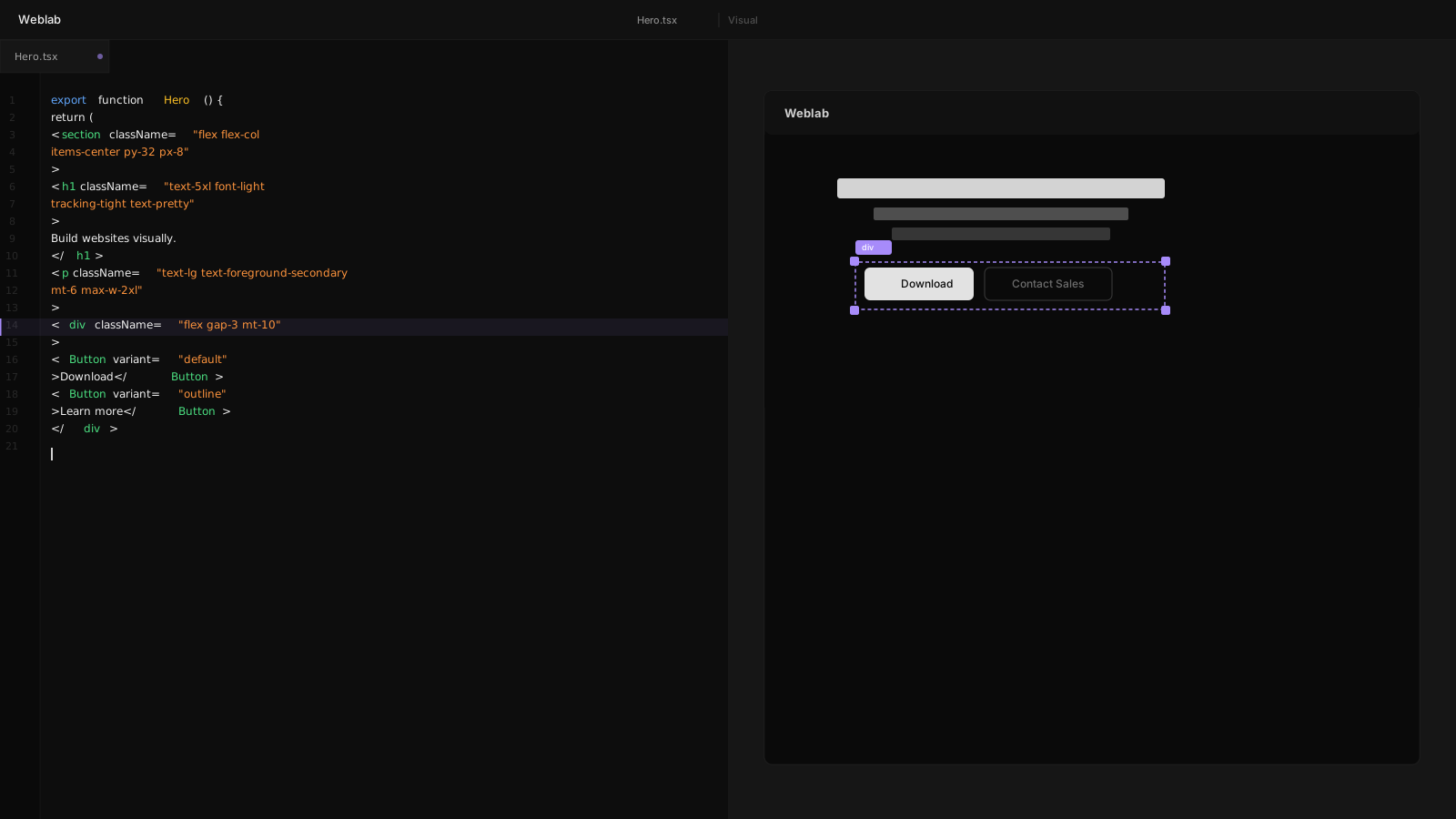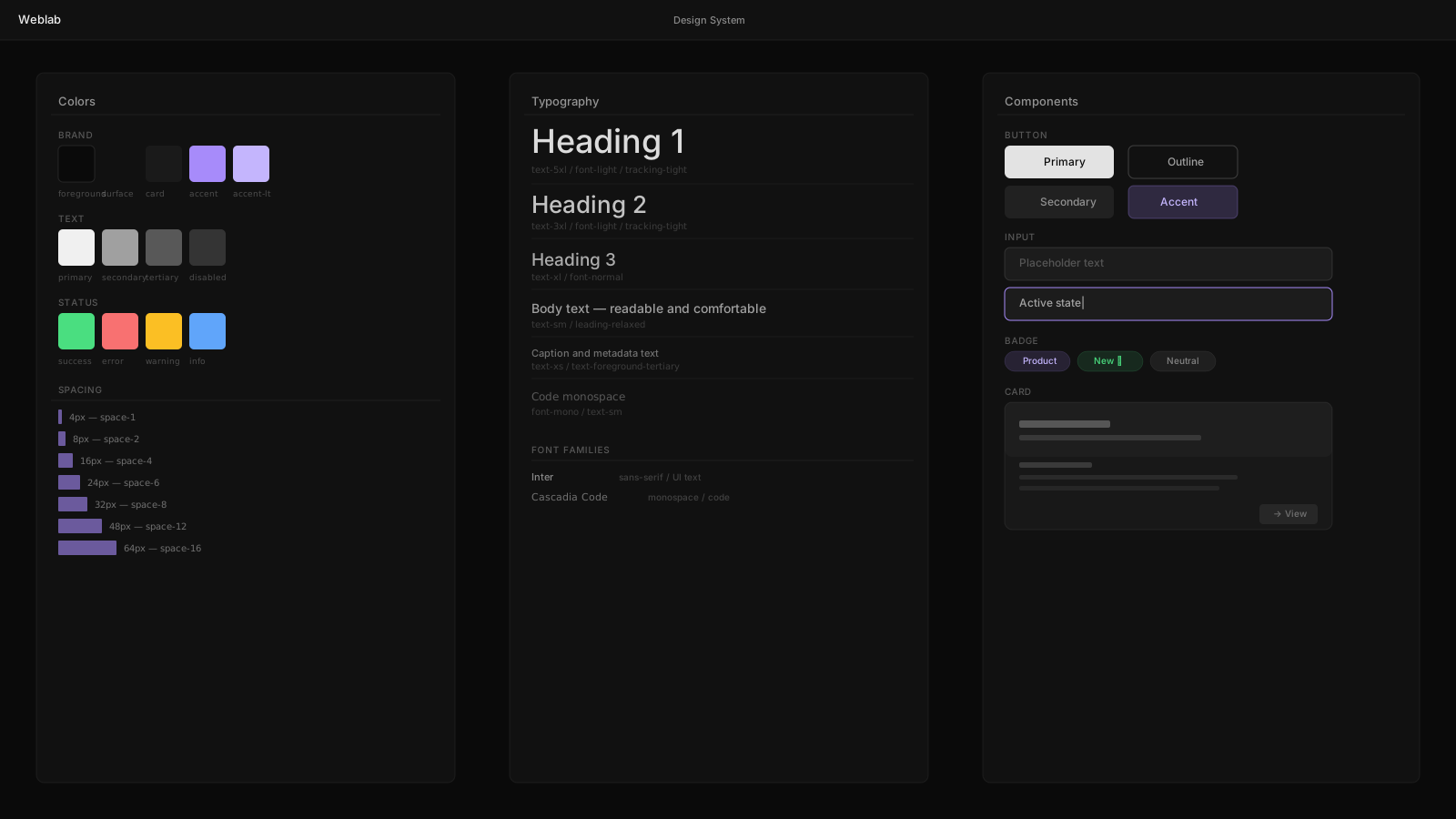
The Generic Code Problem
Every AI coding tool can write a button. The problem is that it writes its button — not yours.
The button it produces uses whatever color scheme it learned during training. It picks a padding that feels reasonable. It names things generically. The output is syntactically valid but semantically foreign: it doesn't know about your <Button> component, your spacing tokens, or your brand colors.
The result is drift. AI-generated code that doesn't match the rest of your product. Code that your team has to rewrite, not review.
Why This Happens
General-purpose language models are trained on the entire public internet. That training gives them fluency in React, Tailwind, and TypeScript. It does not give them knowledge of your design system, your component API, or your conventions.
Every team's codebase is different. The model doesn't know whether you use px-4 or px-6 for button padding, or whether your primary color is blue-600 or a custom CSS variable. It guesses.
How Weblab Is Different
Weblab indexes your codebase before the AI writes a single line.
The Indexing Process
When you open Weblab on a project, it reads:
- Your component exports from
src/components/ - Your Tailwind config (theme, extend, plugins)
- Your CSS custom properties and token definitions
- Your type definitions for component props
- Usage patterns from your existing pages
This index is built locally, on your machine. Nothing leaves your environment.
Constrained Generation
When you ask Weblab's AI to "add a pricing section," it doesn't reach for a generic implementation. It reaches for your <Card>, <Button>, and <Badge> components. It applies your spacing tokens. It uses your color variables.
The output is code that reads like it was written by someone who has been on your team for six months.
What the AI Knows
After indexing, the AI understands:
Component APIs. If your <Button> has a variant prop that accepts "primary" | "outline" | "ghost", the AI uses that prop — not className overrides.
Token conventions. If your spacing scale uses space-{n} custom properties, the AI uses those instead of raw pixel values.
Naming patterns. If your components are named PricingCard not Card, the AI learns that and uses it.
File structure. If your feature components live in src/features/, the AI places new components there.
Staying On-Brand at Scale
The practical benefit is compound. A single AI-generated component that uses the wrong primitives is a minor annoyance. Hundreds of them create a codebase that's inconsistent, hard to maintain, and visually incoherent.
Constrained generation means every piece of AI output is a valid extension of your existing system. Not a foreign body that has to be surgically integrated.
Design Drift Becomes Structurally Impossible
Because the AI can only output components and tokens that already exist in your index, it cannot introduce new colors, new spacing values, or new component patterns without your explicit instruction. Brand drift becomes a constraint, not a discipline.
The Human Role
Constrained AI doesn't eliminate human judgment — it focuses it where it matters.
When the AI generates a pricing section, a designer reviews the visual output on the canvas. If the layout is wrong, they adjust it. If a component variant needs to change, they change it. The AI handles the mechanical translation from intent to code. The human handles the judgment of whether the output is right.
That division of labor is the future of UI development.