
one.com is one of Europe's largest web hosting providers, offering affordable domain registration, professional email, SSL certificates, and a drag-and-drop website builder in a single package. For individuals and small businesses who want an affordable online presence, it covers the basics well.
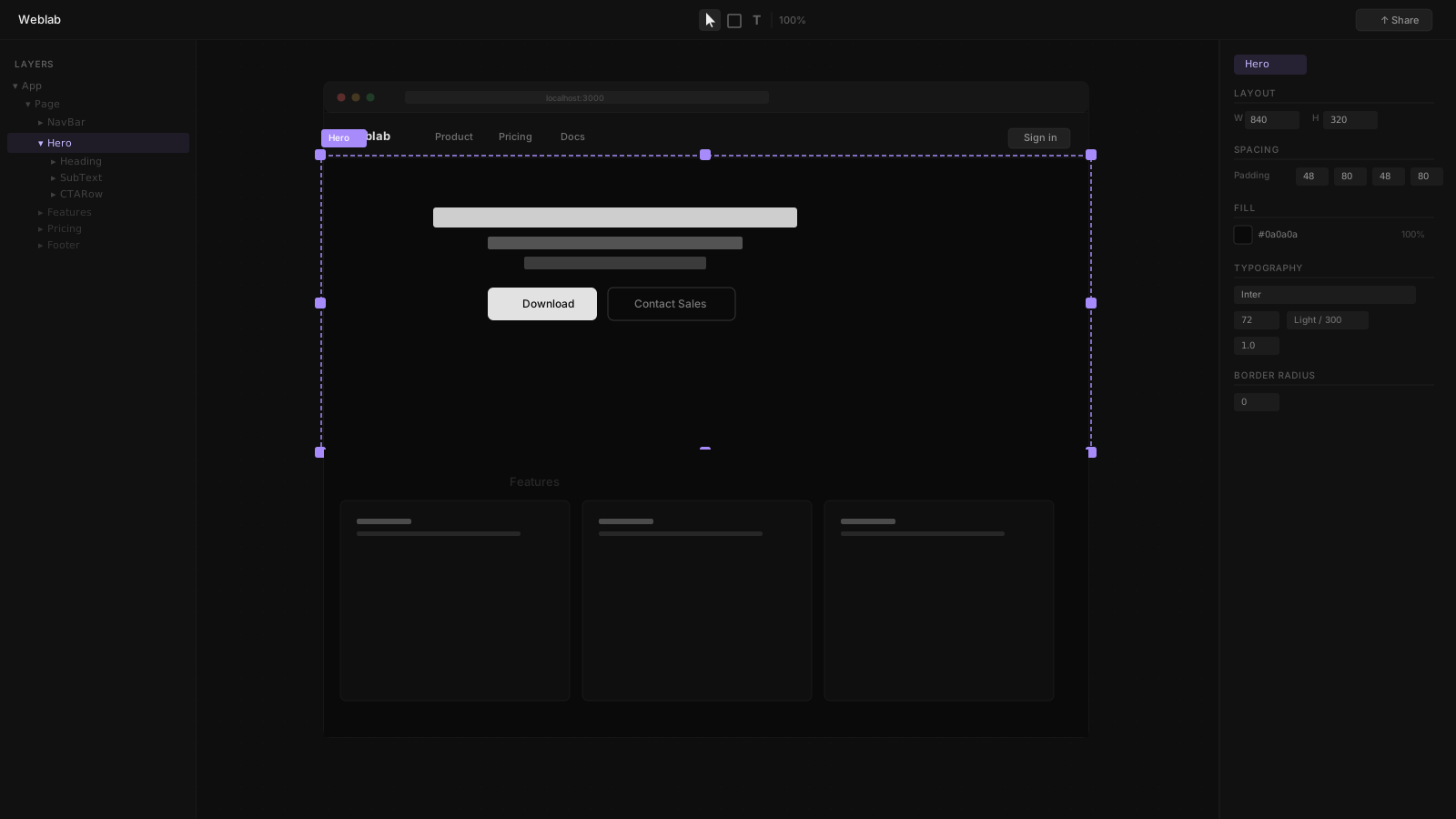
Weblab is a visual editor for React engineering teams. It reads your existing codebase, gives designers an infinite canvas, and ships changes as GitHub pull requests.
These products do not compete for the same users, but if you are unsure which category you fall into, this comparison will make it clear.
one.com: Affordable Hosting + Website Builder
one.com's pricing starts under $1/month for the first promotional year and includes domain registration, professional email, SSL, daily backups, and access to its drag-and-drop website builder. Plans scale through Mini, Business, Pro, and Ecommerce tiers.
The website builder includes a drag-and-drop interface, responsive templates, and an AI setup wizard that generates an initial site based on your business information. An AI writing assistant supports 11 languages for content generation.
What one.com Is Good At
- Very affordable entry price for personal and small business websites
- Domain, email, hosting, and builder in one dashboard
- No technical knowledge required
- SSL included on all plans
- Daily backups for peace of mind
What one.com Cannot Do
- Connect to a React codebase
- Use your design tokens or component library
- Generate GitHub pull requests
- Support engineering team collaboration workflows
- Deploy to external infrastructure (sites live on one.com servers)
The builder produces one.com's own website format — it is not React, not portable, and not designed for engineering workflows.
Weblab: Visual Editing for React Codebases
Weblab is built for software teams. Open your React project directory, and Weblab reads your components, design tokens, and file structure. The infinite canvas shows your real application. Changes you make are written back to your source files as pull requests.
The AI in Weblab is constrained to your existing design system. It uses the components you have already built — not generic templates. The result is visual changes that match your brand without manual correction.
The Core Difference
| Feature | Weblab | one.com |
|---|---|---|
| Who it is for | Engineering teams with React codebases | Individuals and small businesses |
| Technical requirement | React codebase, git | None |
| Output | GitHub pull request | one.com-hosted website |
| Code ownership | Yes — always | No |
| React support | Native | None |
| AI | Design-system-aware edits | Site setup wizard + writing assistant |
| Hosting | Your infrastructure | one.com servers |
| Pricing | Free to open source | From $0.99/month (introductory) |
| Open source | Yes | No |
Making the Choice
Choose one.com if:
- You want an affordable website for a small business or personal project
- You need domain, email, and hosting in one place at a low price
- You have no technical skills and do not want any
- A simple, clean website is all you need
Choose Weblab if:
- You have an existing React or Next.js codebase
- Your team has designers who need a visual editing surface
- Visual changes need to flow through GitHub PR review
- Your product has a design system the AI must respect
- You deploy to your own infrastructure
The decision is not really between two similar products — it is between two entirely different categories of tools for two entirely different audiences.